















How to create/add an email address via the client portal
How to create/add an email address via the client portal
- Navigate to the client area
- Login
- Click on services
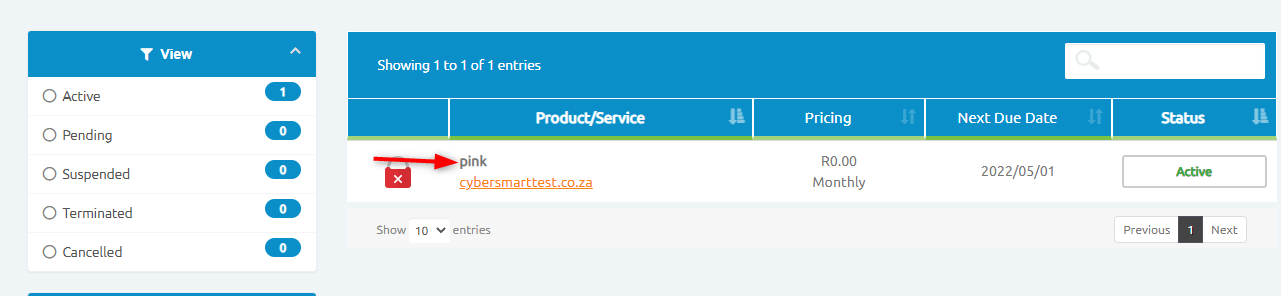
- Click on the hosting package name, eg, pink
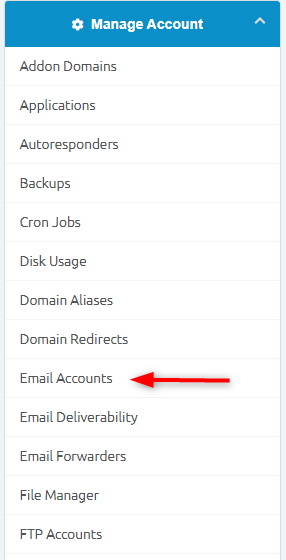
You will then be redirected to another page that contains all the cPanel features.
Click on Email Accounts.
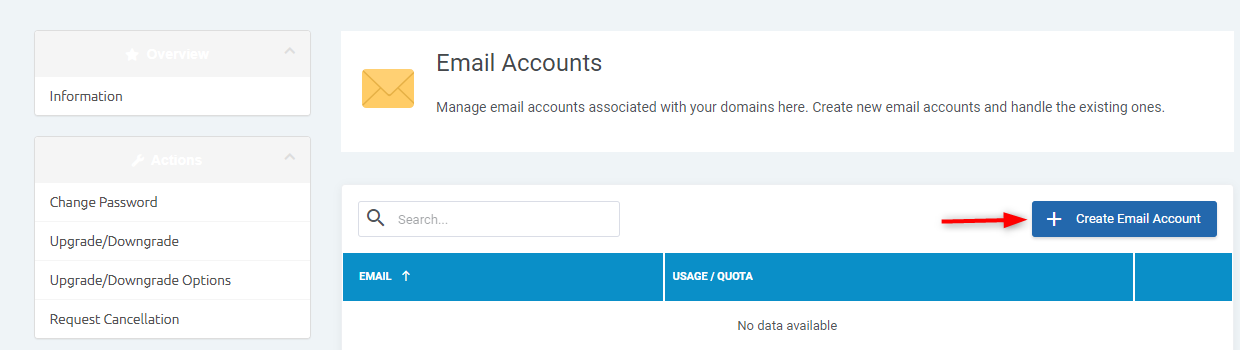
You will then be able to create, add, or delete an email account.